

Ways to automate engineering work
Compare how local coding agents, agent automations, CI platforms, and Shipfox run and coordinate engineering work.

What sets Shipfox apart
Agents follow your process
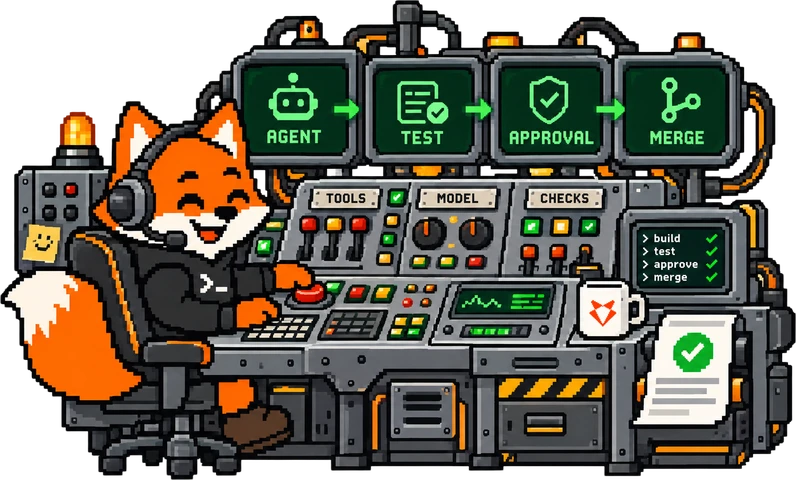
Agents run as steps in your workflow and only use the tools you allow.
Each workflow is a file in your repository. Changes go through code review, so your whole team uses the same process. A workflow mixes agent steps with normal commands, which are fast and give the same result every time. It can repeat a step until your checks pass, or wait for a review comment and continue with the earlier context. You set the checks and approvals, as strict or as light as you want. Each agent gets only the access it needs, never a personal account.
Open source, no lock-in
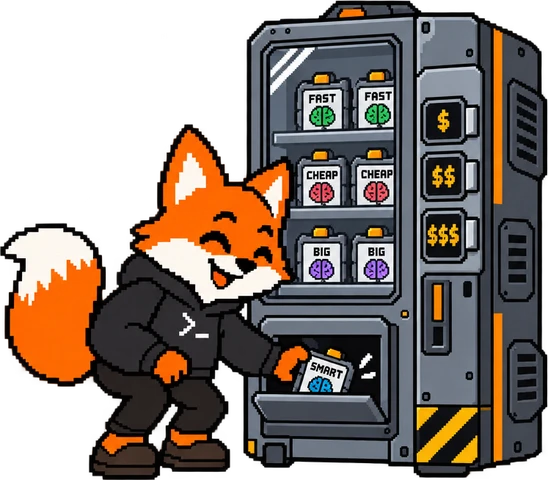
Pick any model for each step, and run on our cloud or your own.
Use a low-cost model for simple work, and a stronger model only when you need it. You see the cost of each run. Shipfox is MIT licensed and self-hostable, so you can move your workflows to another system at any time.
Gets better every week
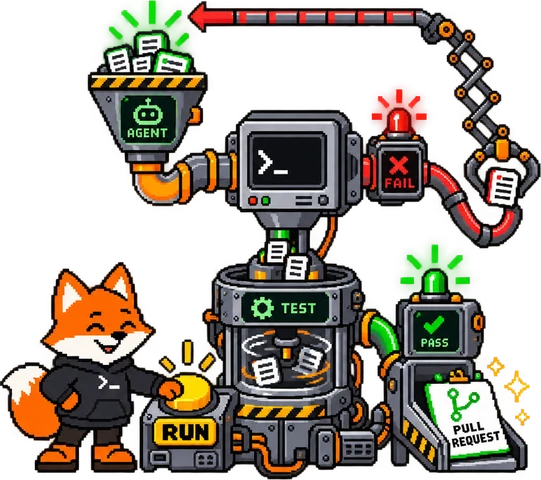
Workflows watch your other runs, find what breaks, and suggest a fix.
Every run keeps a full log and its cost. A workflow can start when another run fails, read its logs, and report the cause. Your coding agent reads the same runs through Shipfox and proposes changes to your workflows, such as a fix or a different model for a step. You review each change as a pull request.
100+ integrations
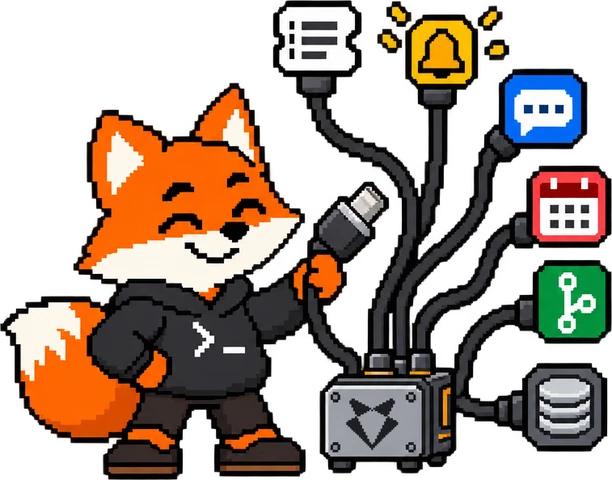
Start a workflow from your tools, and let agents use them.
A workflow can start from many sources: a ticket, an alert, a chat message, a failed check, or a schedule. During the workflow, agents can read and write in your other tools, and you give this access one step at a time. Shipfox is not limited to where you store your code. You can connect a new tool in a few minutes.
Detailed comparison
Swipe to compare.
| Comparison point | Local coding agent | Agent automations | CI platform | Shipfox |
|---|---|---|---|---|
| Example providers | ||||
| Products | ||||
| Running work | ||||
| Where code runs | Engineer's machine | Provider-managed cloud runner | Hosted or self-hosted runners | |
| Execution environment | No runner choice | Preset runner environment | Custom runners, images, and network | |
| Parallel work | No managed parallel jobs | Parallel managed runs | Parallel jobs within runner capacity | Parallel jobs by default |
| Triggers | Human starts a session | Provider-supported events and schedules | Repository events, schedules, and webhooks | |
| Coordinating agents and steps | ||||
| Later review comments | Engineer follows up in chat | New automation run | New workflow run | |
| Failed check needs a code fix | Engineer prompts another attempt | No independent feedback gate | Checks fail jobs; no built-in agent repair | |
| Agent and fixed steps in one flow | No workflow orchestration | No built-in mixed-step workflow | Agent call needs job scripting | |
| Agent conversation across steps | No shared workflow session | No cross-run agent session | No native agent session across jobs | |
| Team control | ||||
| Shared team process | No shared run process | Reusable saved automations | Shared jobs and workflows | Shared workflow definitions |
| Configuration in code | No versioned workflow definition | Usually configured in provider UI | Workflow files in the repo | Workflow YAML in the repo |
| Model choice | Agent's supported models | Provider-supported models | Chosen in the agent call | |
| Agent-ready external tools | Engineer adds MCP servers | Small native action set; MCP for more | Agent tools need custom wiring | |
| Tool credentials and scope | Personal credentials | MCP often uses personal OAuth and grants all server tools | Secrets passed to jobs | |
| Visibility and cost | ||||
| Activity logs | No shared run history | Automation session logs | Workflow and job logs | |
| Model cost by task | No shared cost per task | Usage in provider account | Model cost separate from runner usage | |